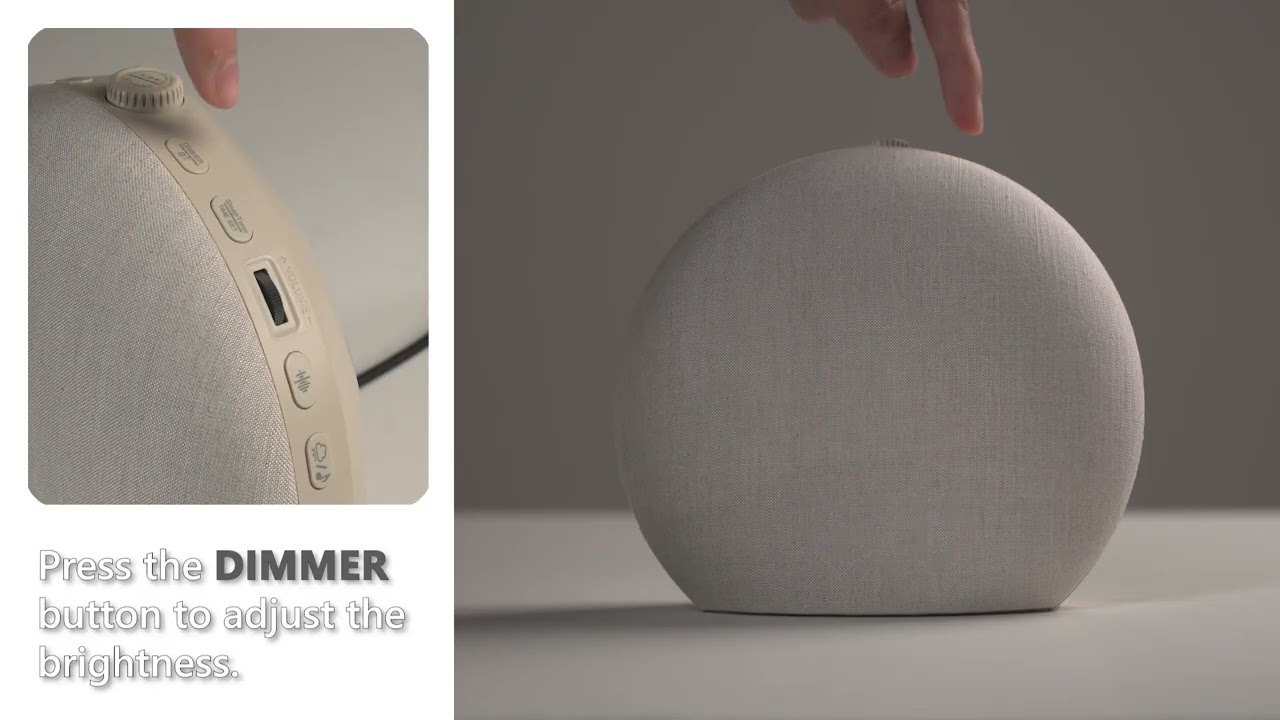

Lumo Nova 3 in 1 Sunrise Alarm Clock AC-SCE50S
Find answers, manuals, and videos to help you use your sunrise alarm clcok smoothly.
Need extra help? Contact support@ecozy.com
User Manual
FAQ
-Check if the sunrise alarm clock is powered on.
-Make sure your mobile device is connected to the 2.4GHz WiFi Network
-Make sure the password of your WiFi network entered in the EcozyHome app
is correct when linking the sunrise alarm clock.
-Make sure the sunrise alarm clock is ready for WiFi connection.
Make sure the appliance is properly connected to power. Perhaps there is a power failure. Check if the power supply works by connecting another appliance.
The alarm can only be set on the EcozyHome app.
Yes, you could turn it off in the setting interface on the EcozyHome app.
Perhaps the light intensity level you set is not appropriate for you. You can
try a lower light level.
Move the wake-up light further away from the bed.
The sunrise time duration you set is too long. Please select a shorter one.
You can try to set a higher light intensity level.
Make sure the wake-up light is located at a height where the light is not
blocked by your bed, comforter, pillow or any other things.
The sunrise time duration you set is too short. Please select a longer one.
Please make sure your power adapter's output voltage is 5V and current is greater than or equal to 2A.
Video Tutorials Showing 3 / 11
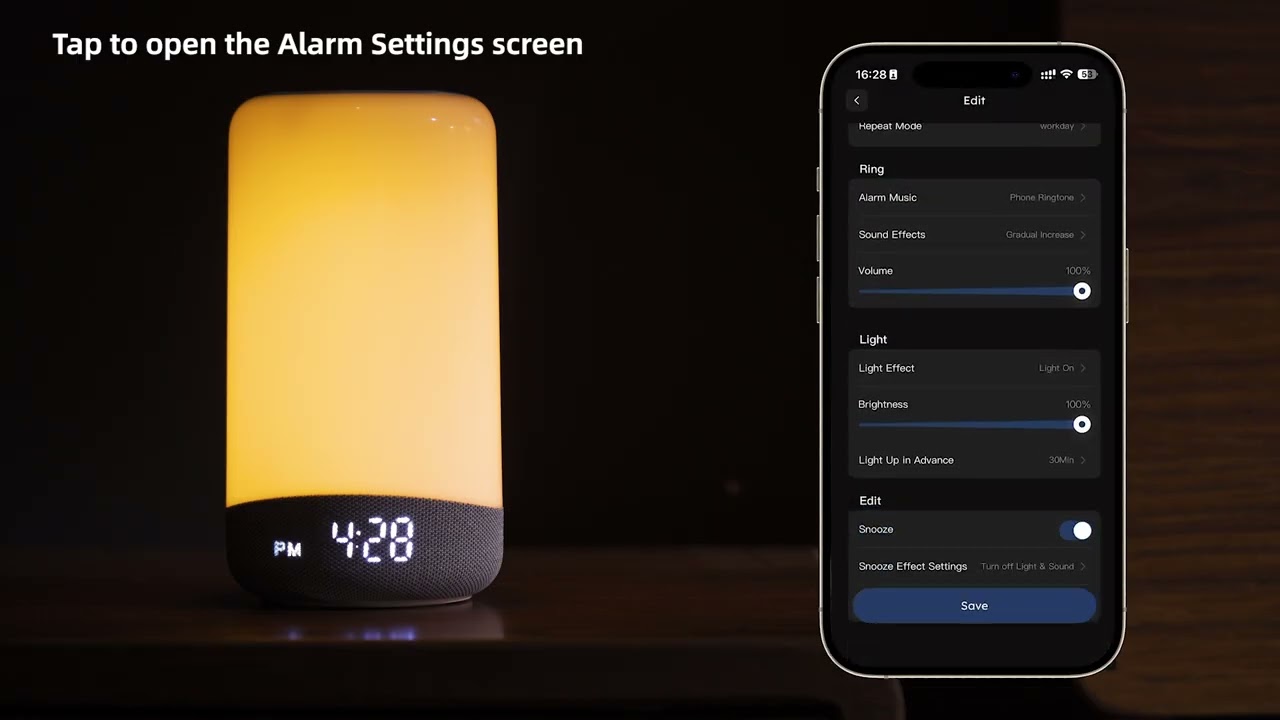
How to Set an Alarm?
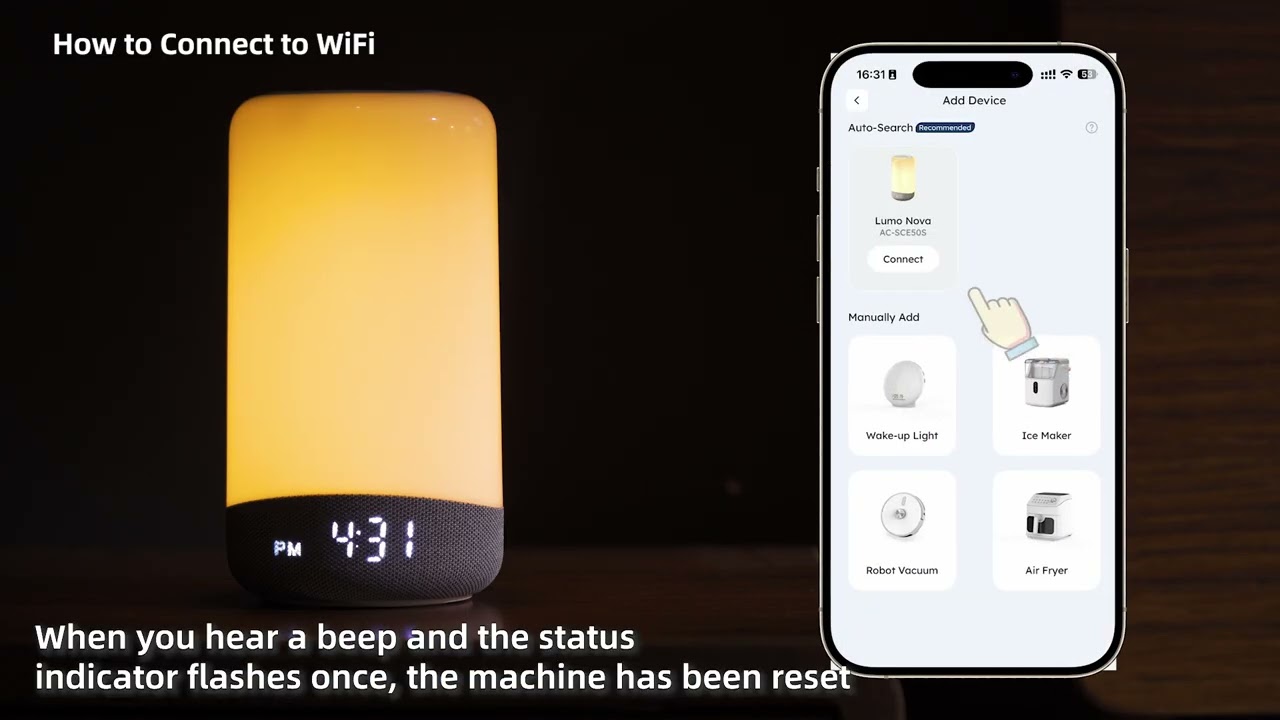
How to Connect to WiFi?
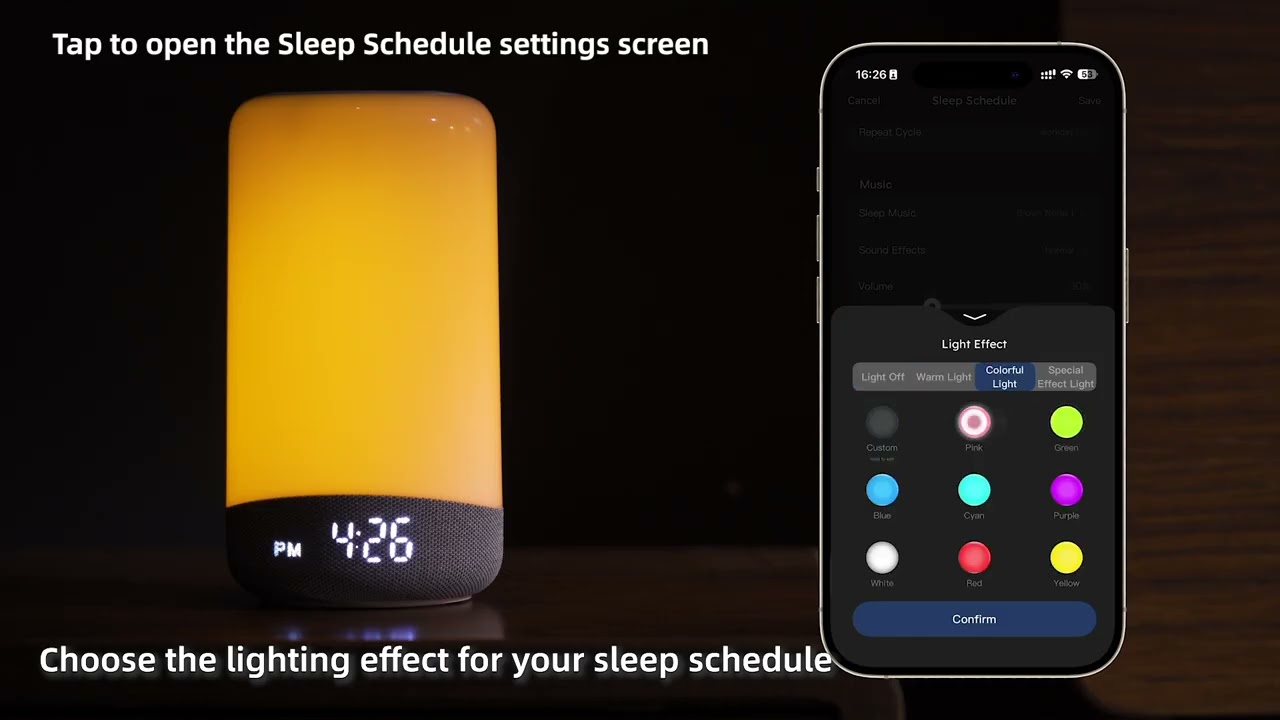
How to Set a Sleep Schedule?
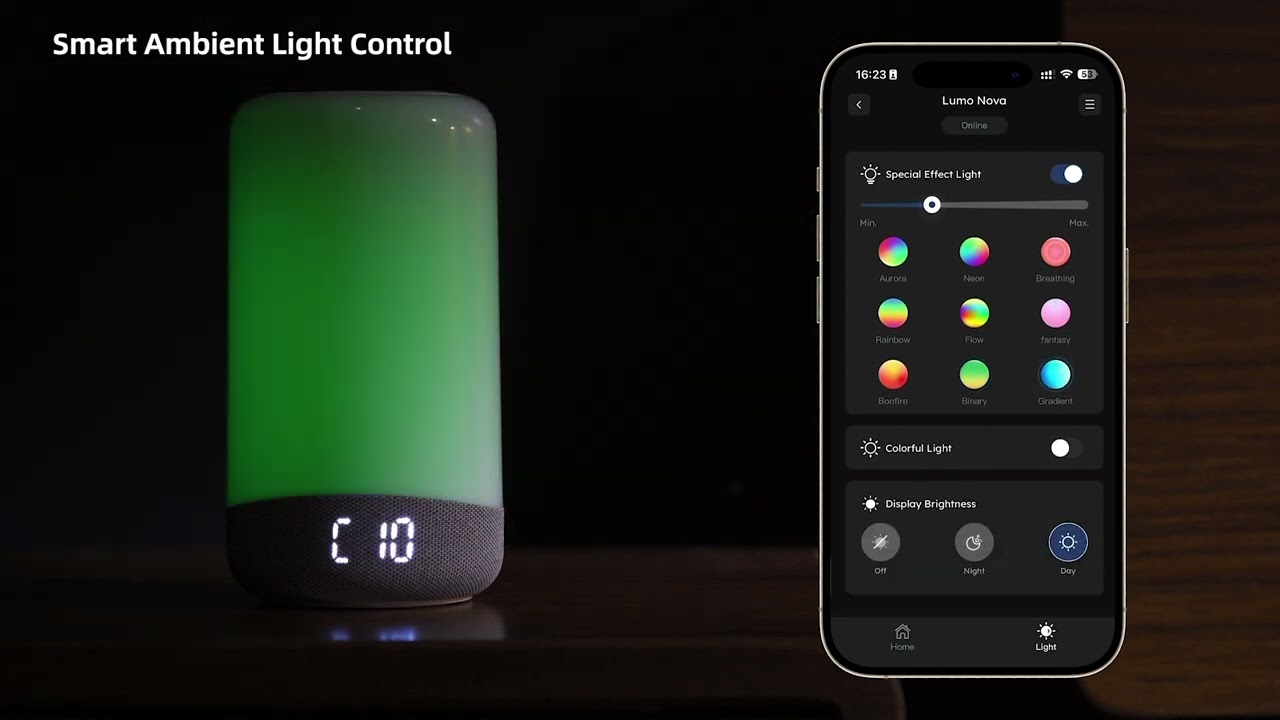
How to Customize Your Ambient Light?
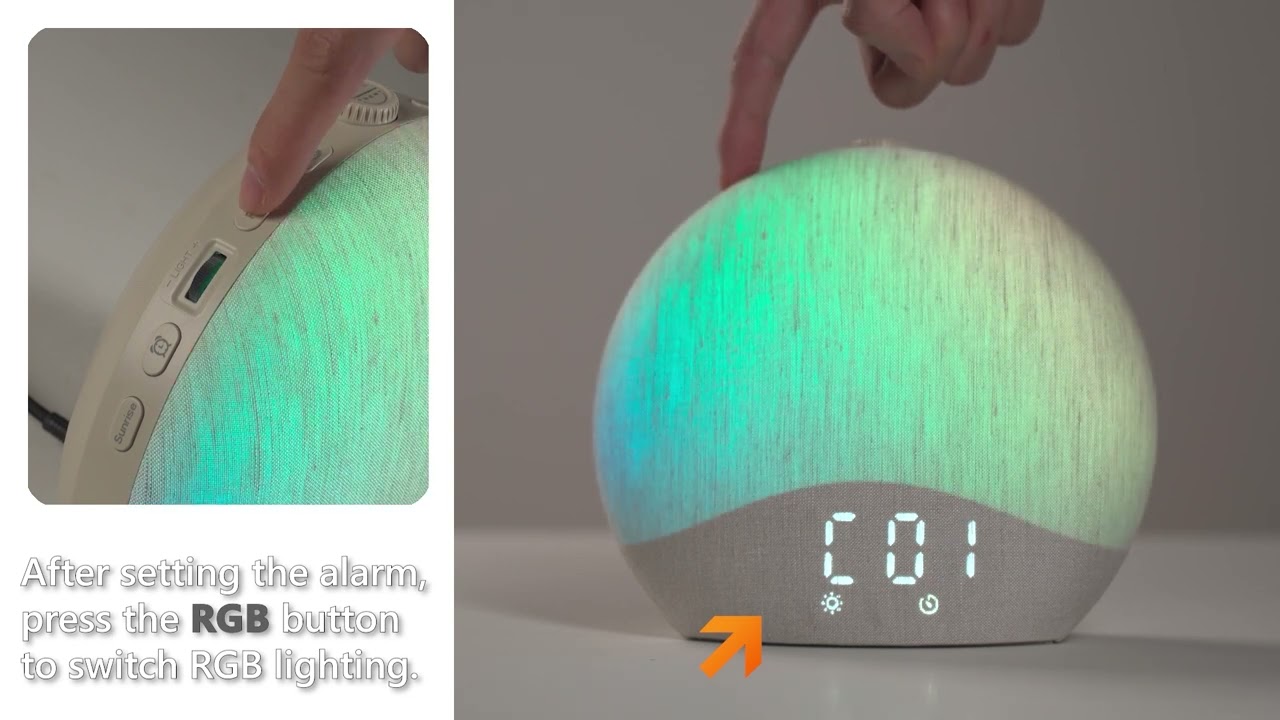
How to Customize Your Ambient Light?
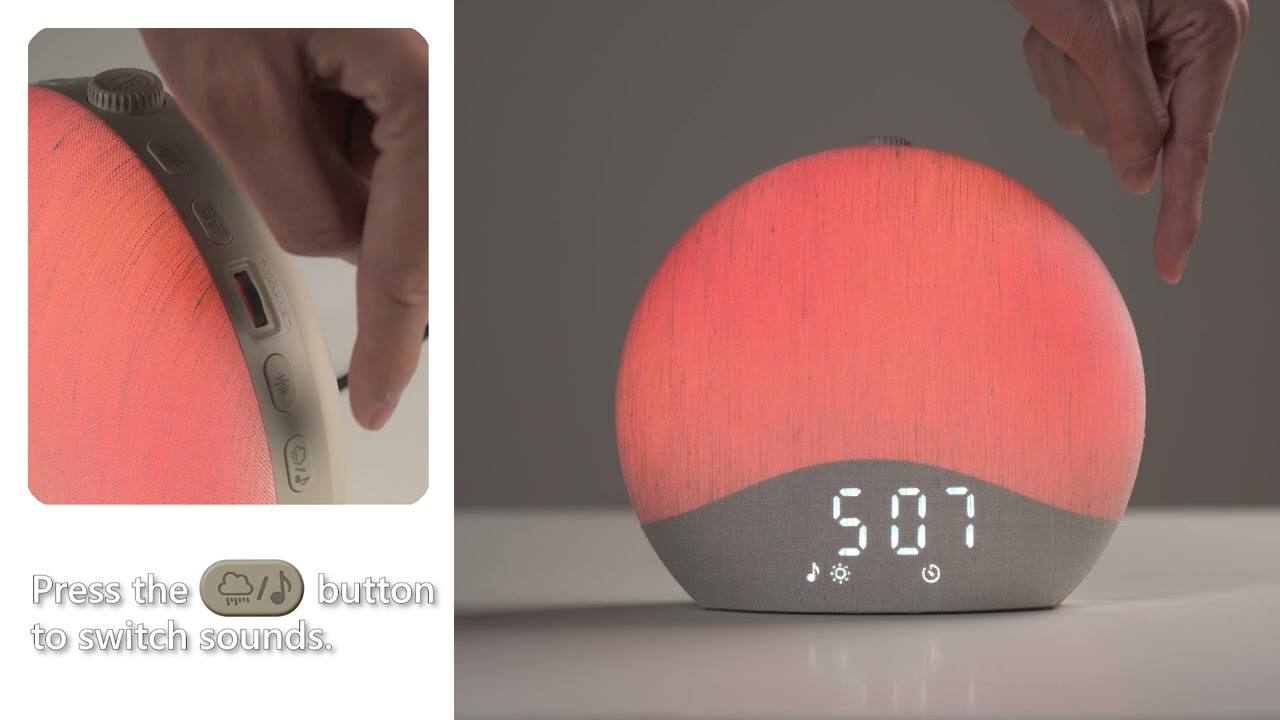
How to Set White Noise?
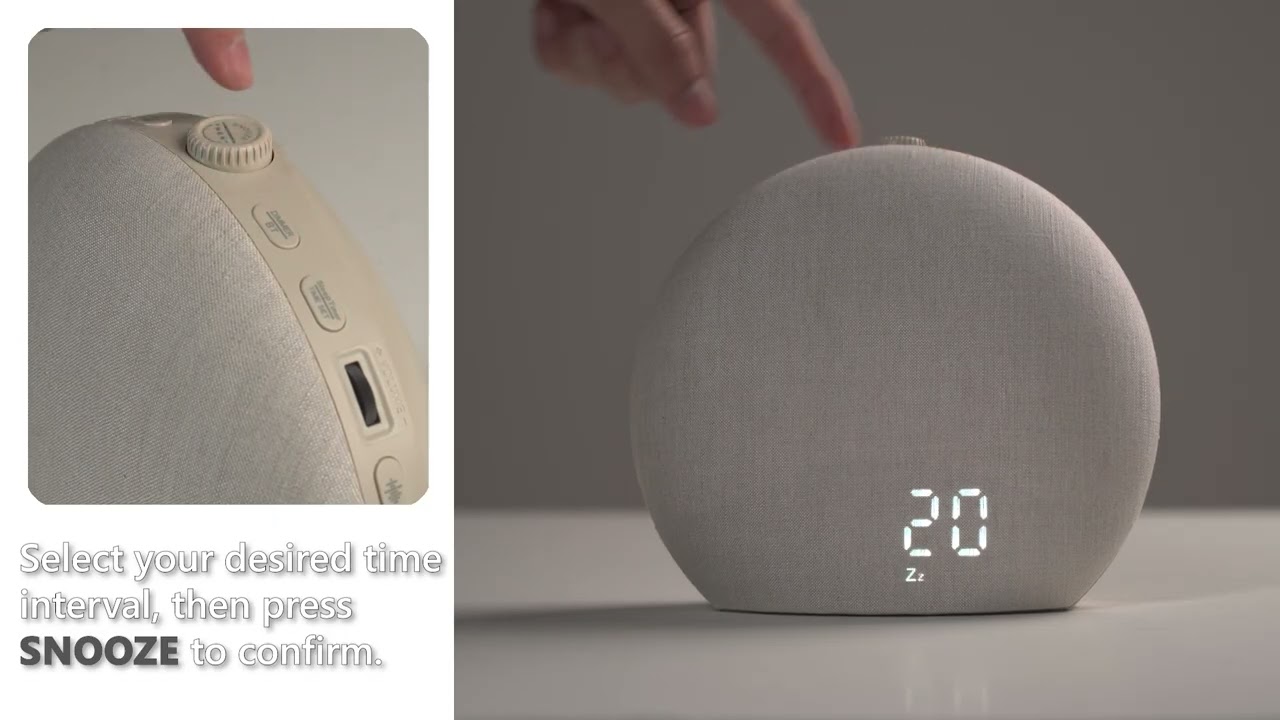
How to Set Snooze Model?
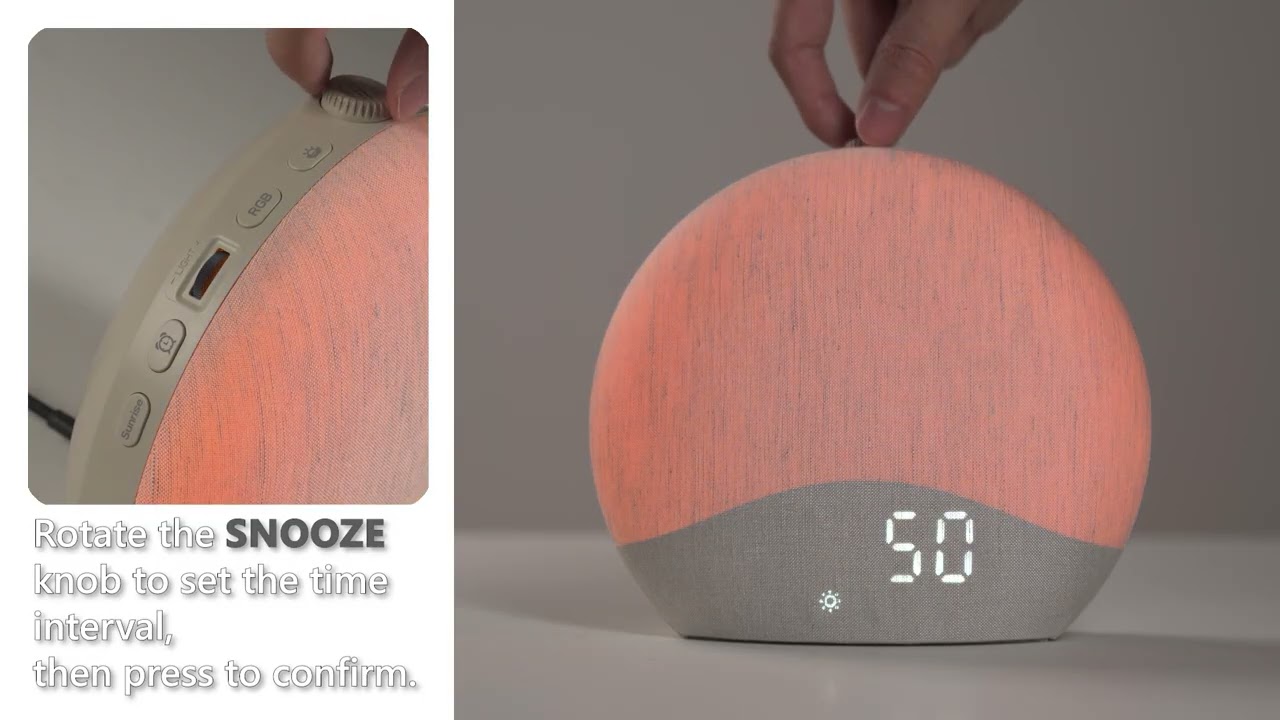
How to Set Sunrise Mode?
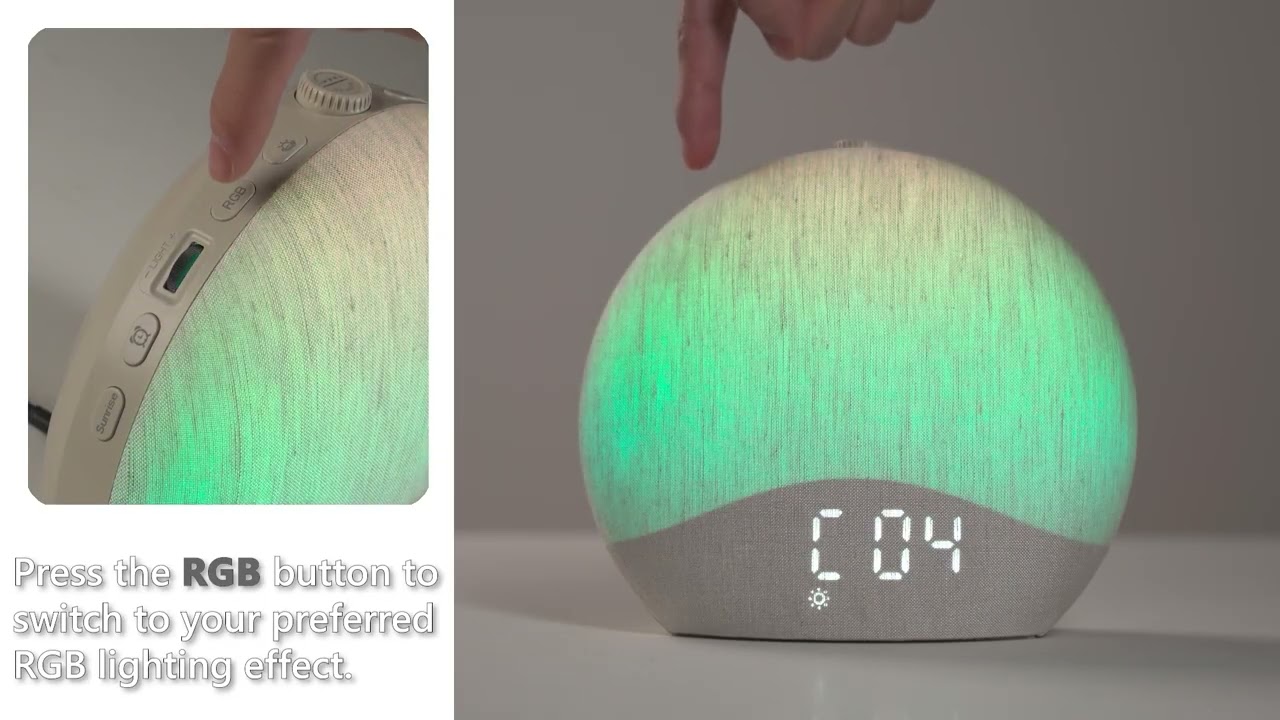
How to Set RGB Lighting?
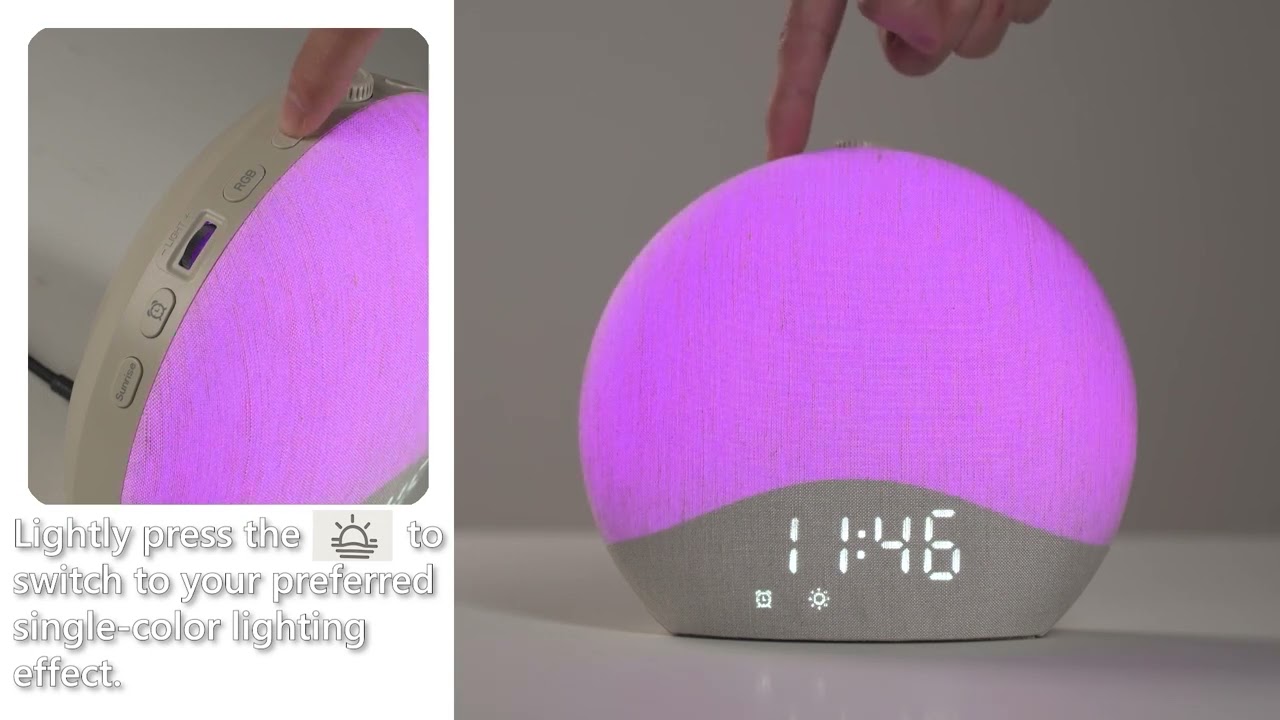
How to Set Single-Color Lighting?